E-Statements make banking easier and safer.
Go paper-free with E-Statements. You’ll get an email when your latest statement is ready, and you can check it anytime by logging into E-Banking.
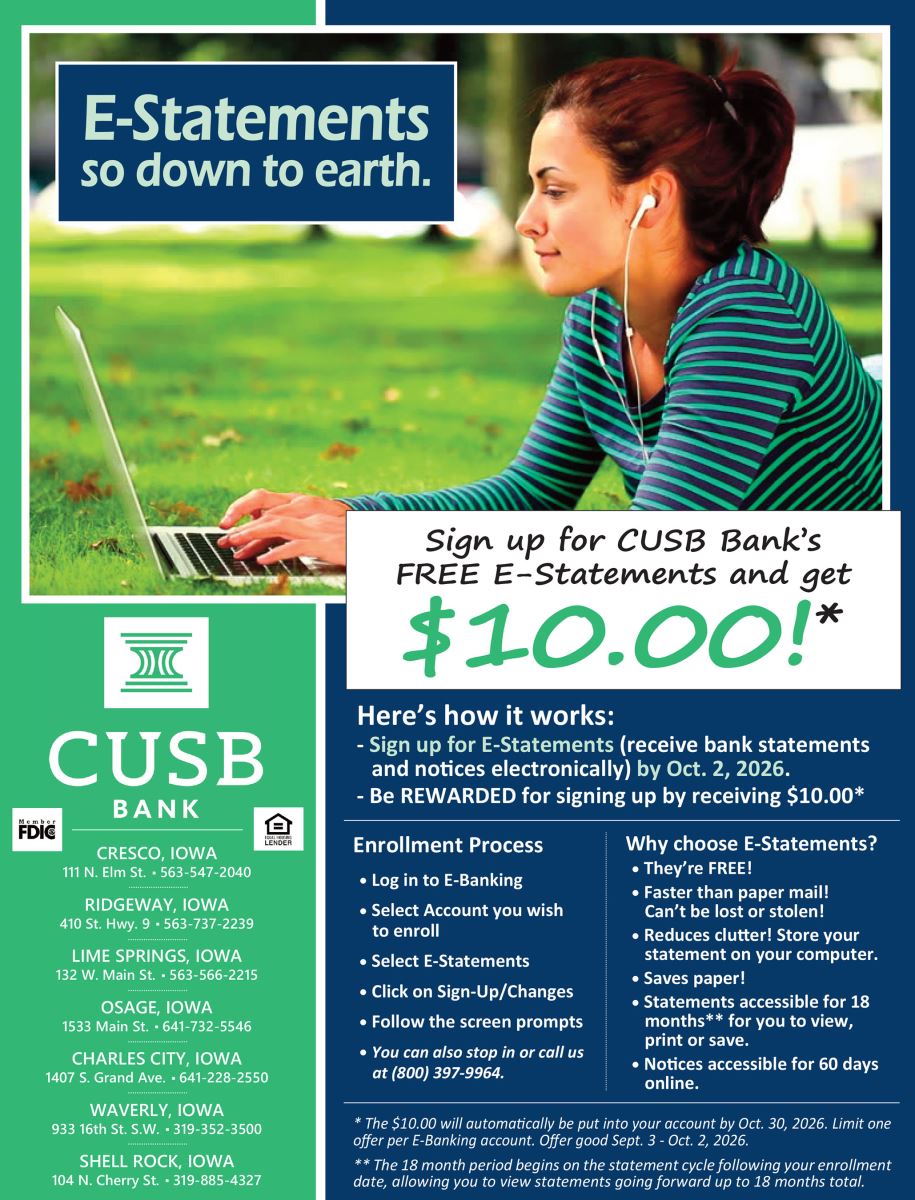
Why Choose E-Statements?
- Fast delivery: Your statements are available online as soon as they're ready.
- Secure access: View your statements safely through E-Banking.
- Paper-free convenience: Reduce clutter and stay organized.
- Email alerts: We'll let you know when a new statement is available.
- Anytime availability: Review current and past statements whenever you need them.
- Easy recordkeeping: Download, save, or print statements from your device.
- Environmentally friendly: Go green by reducing paper use.
- Free service: E-Statements are included at no cost in E-Banking.
Using E-Statements
The enrollment process for E-Statements is four quick, easy steps, with a confirmation email sent as soon as you are enrolled. See below for more specific enrollment instructions.
Enrolling
- Log in to E-Banking
- Select the account you wish to enroll
- Select E-Statements
- Click on Sign-Up/Changes, then follow on-screen prompts
Accessing & Downloading Statements
- Log in and select E-Statements
- Choose your account and document type (statement, notice, or both)
- Pick a date range and click Filter
- Download, view, print, or save your documents
E-Statements FAQs
Q: Is there a fee?
No. E-Statements are completely free.
Q: Can I go back to paper statements?
Yes. Just unenroll via the E-Statements menu.
Q:How long are statements stored?
Statements: 18 months; Notices: 60 days.
Q:How do I add extra email recipients?
You can send notices to up to three addresses. Get step-by-step instruction within E-Banking.
Questions? Here are all the ways we can help!
- Visit the Support center in online or mobile banking, or check your online banking tutorials.
- Call us or visit any CUSB location for assistance.